
How to enable two-factor authentication for my Zume account?
Log into your account at clients.zume.net
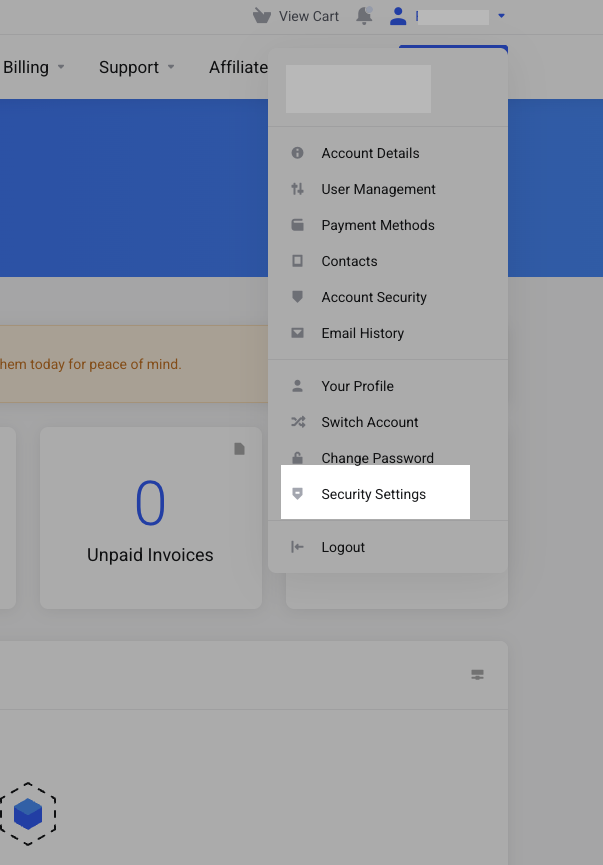
From the top-right menu, select “Security Settings”
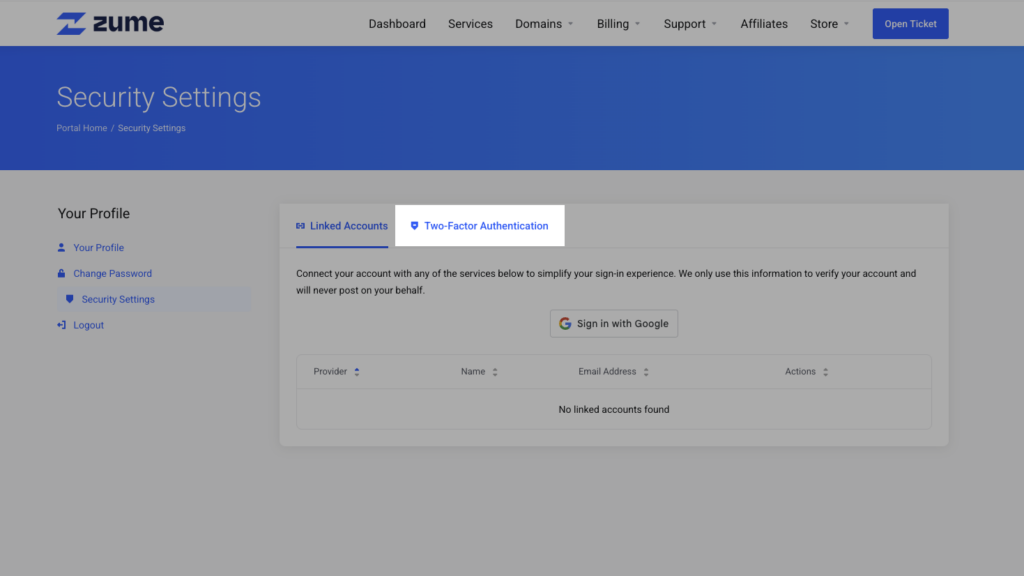
Switch to the Two-Factor Authentication tab
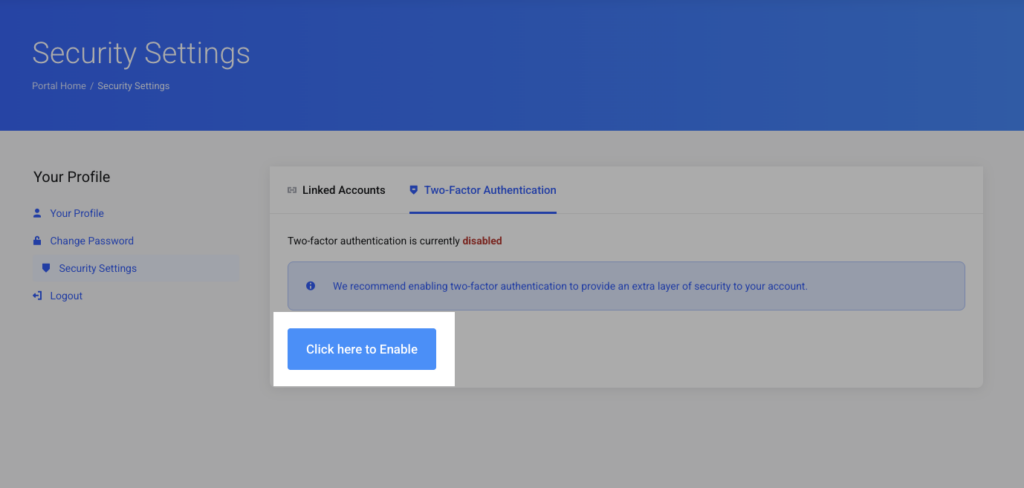
Click the “Enable” button
Select your preferred Two-Factor Authentication method and click “Get Started”
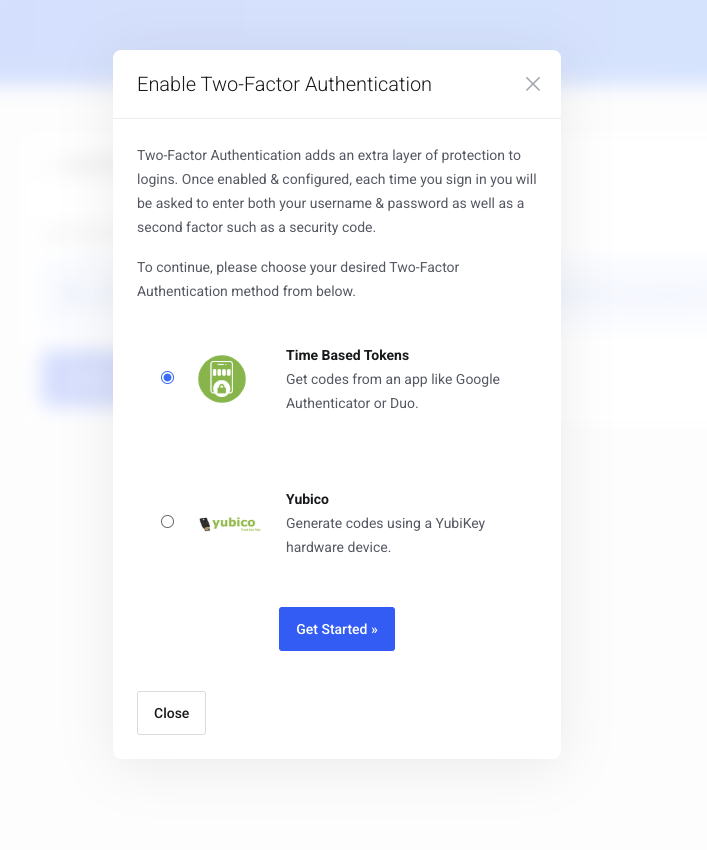
Follow the instructions on-screen. For time-based tokens, you can download an app such as Google Authenticator or Authy
Need help?
Can't find what you're looking for? Our support team is here to help.